
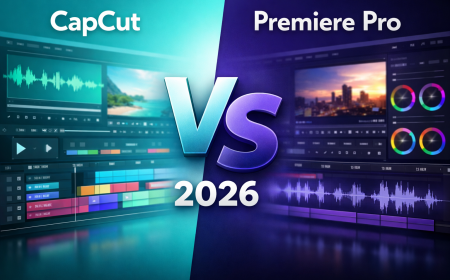





CapCut vs Premiere Pro: Best Video Editor 2026?
CapCut vs Premiere Pro detailed comparison by Neody IT. Explore features, pricing, AI tools, performance, pros and cons to choose the best video editing software for creators in 2026.
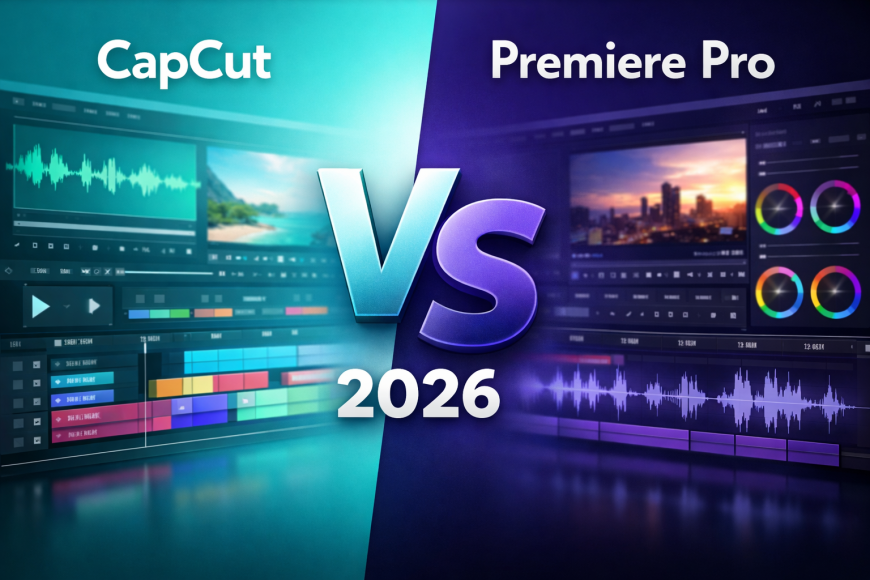
CapCut vs Premiere Pro: Which Video Editing Software Is Best in 2026?
Choosing the right video editing software can define your content journey. Whether you are starting a YouTube channel, building a brand on Instagram, or planning to become a professional editor, one question often comes up: CapCut vs Premiere Pro – which one should you choose?
At Neody IT, we regularly analyze trending software tools to help creators and professionals make informed decisions. Both CapCut and Premiere Pro are powerful in their own way, but they serve very different audiences.
In this detailed comparison, we will break down features, performance, pricing, AI tools, learning curve, and real world use cases so you can confidently decide which video editing software fits your goals.
Why People Search “CapCut vs Premiere Pro”
The rise of short form content and professional video production has created a clear divide between beginner friendly editing apps and industry standard tools.
Here is why people actively compare these two platforms:
-
Beginners choosing their first video editing software
Also Read → ChatGPT vs Gemini vs Claude: Best AI in 2026? -
YouTubers deciding whether to upgrade from mobile editing
-
Instagram and TikTok creators looking for faster workflows
-
Freelancers comparing free vs paid editing software
-
Film students exploring professional tools
The real debate is not just CapCut vs Premiere Pro. It is mobile editing vs professional editing. It is simplicity vs control.
Quick summary:
CapCut is fast, beginner friendly, and ideal for short form content.
Premiere Pro is powerful, professional, and built for advanced video production.
The best choice depends on your editing goals and skill level.
Overview of the Software
What Is CapCut?
CapCut is developed by ByteDance and has become extremely popular among short form content creators.
Originally known for mobile editing, CapCut is now available on desktop as well. It focuses heavily on speed, automation, and AI powered editing features.
Key Highlights of CapCut
-
Auto captions for quick subtitles
-
One click templates
-
Easy transitions and effects
-
Built in music and sound effects
-
AI background removal
If you create Instagram Reels, TikTok videos, or YouTube Shorts, CapCut allows you to edit and publish quickly without technical complexity.
What Is Premiere Pro?
Adobe Premiere Pro is developed by Adobe and is considered an industry standard video editing software.
It is widely used in films, YouTube channels, advertising projects, and commercial productions. Premiere Pro is part of Adobe Creative Cloud, which integrates with other Adobe tools.
Key Highlights of Premiere Pro
-
Multi track timeline editing
-
Advanced color grading with Lumetri
-
Professional audio mixing
-
Motion graphics integration
-
Extensive plugin ecosystem
If you plan to work in professional media, film production, or high quality YouTube content, Premiere Pro is often the go to tool.
User Interface and Learning Curve
CapCut Interface
CapCut is designed for simplicity.
-
Clean drag and drop timeline
-
Minimal panels
-
Mobile optimized design
-
Easy transitions and presets
A beginner can start editing within a few hours. Most tools are labeled clearly and supported by templates.
For example, if you record a motivational reel, you can import the video, add auto captions, choose a trending template, and export within minutes.
Premiere Pro Interface
Premiere Pro has a professional layout.
-
Multi panel workspace
-
Advanced timeline controls
-
Customizable layout
-
Detailed editing tools
It can take weeks or even months to master Premiere Pro fully. Film students often spend entire semesters learning it.
If you want precise control over cuts, transitions, keyframes, color grading, and audio mixing, Premiere Pro provides that depth.
At Neody IT, we recommend CapCut for beginners and Premiere Pro for long term professional growth.
Features Comparison
Video Editing Tools
CapCut
-
Basic trimming and cutting
-
Preset transitions
-
AI background removal
-
Auto beat sync for music
CapCut is ideal for quick storytelling. It automates many technical processes.
Premiere Pro
-
Multi camera editing
-
Keyframe animation
-
Motion graphics templates
-
Advanced masking tools
Premiere Pro gives complete control. You can adjust every frame and effect precisely.
Color Grading
CapCut
-
Built in presets
-
Simple brightness and contrast adjustments
-
Quick filters for social media
CapCut works well for social content but lacks deep color control.
Premiere Pro
-
Lumetri Color panel
-
Advanced color wheels
-
Professional level grading tools
If you want cinematic visuals, Premiere Pro offers significantly more flexibility.
Audio Editing
CapCut
-
Basic audio trimming
-
Automatic subtitles
-
Built in background music library
It is sufficient for short videos and simple projects.
Premiere Pro
-
Multi track audio editing
-
Noise reduction
-
Integration with Adobe Audition
For podcast style videos or interviews, Premiere Pro provides professional audio mixing capabilities.
Performance and System Requirements
CapCut Performance
CapCut runs smoothly on mobile devices and mid range laptops. It is lightweight and optimized for quick editing.
Export speed is fast for short videos. It handles 1080p content comfortably and can manage 4K depending on device power.
Premiere Pro Performance
Premiere Pro requires a powerful system.
-
Higher RAM
-
Dedicated GPU
-
Strong processor
For 4K editing, multi camera projects, or long timelines, a high performance PC is recommended.
While export speed depends on system specs, Premiere Pro is more stable for large scale projects.
AI Features Comparison
AI video editing is trending, and this is where both tools compete aggressively.
CapCut AI Tools
-
Auto captions
-
Background removal
-
Smart templates
-
AI effects
These tools help beginners produce professional looking videos quickly.
Premiere Pro AI Tools
-
Auto reframe
-
Scene edit detection
-
Speech to text
-
Adobe Sensei powered features
Premiere Pro uses Adobe Sensei to assist in automation while still giving manual control.
If you want fast automation, CapCut wins. If you want AI plus full control, Premiere Pro is stronger.
Pricing Comparison
CapCut Pricing
CapCut offers a free version with many features. Some advanced templates and cloud features require subscription.
For beginners and casual creators, the free version is often enough.
Premiere Pro Pricing
Premiere Pro operates on a monthly subscription model. It is included in Adobe Creative Cloud plans.
Students may get discounts, but overall cost is higher compared to CapCut.
From a return on investment perspective:
-
CapCut is ideal for beginners and hobby creators
-
Premiere Pro is worth the cost for professionals earning from video production
At Neody IT, we always advise creators to align software cost with income potential.
Pros and Cons
CapCut Pros
-
Free and beginner friendly
-
Fast editing workflow
-
Excellent for short form content
-
Strong AI automation
CapCut Cons
-
Limited advanced control
-
Not ideal for large film projects
-
Fewer professional integrations
Premiere Pro Pros
-
Industry standard software
-
Unlimited creative control
-
High quality professional output
-
Advanced plugin support
Premiere Pro Cons
-
Expensive subscription
-
Steep learning curve
-
Requires high performance computer
Best For: Use Case Recommendations
Best for Beginners
CapCut is easier to learn and perfect for first time editors.
Best for YouTube Creators
If you create casual YouTube content, CapCut works. For cinematic and professional channels, Premiere Pro is better.
Best for Instagram and TikTok
CapCut is optimized for short vertical videos and trending templates.
Best for Professional Editors
Premiere Pro offers full creative freedom and industry acceptance.
Best for Filmmakers
Premiere Pro supports advanced workflows required for film production.
Best for Freelancers
Freelancers starting out may prefer CapCut. As they scale and attract higher paying clients, upgrading to Premiere Pro makes sense.
Final Verdict: CapCut vs Premiere Pro
There is no universal winner in this comparison.
Choose CapCut if:
-
You are a beginner
-
You focus on short form content
-
You want fast results
-
You prefer mobile editing
Choose Premiere Pro if:
-
You want professional editing
-
You work on large projects
-
You need advanced creative control
-
You plan a career in film or media
The best approach is practical. Start with CapCut if you are new. As your skills grow and project complexity increases, consider transitioning to Premiere Pro.
At Neody IT, we believe the right tool is the one that aligns with your current goals while supporting your future growth.
If you found this detailed comparison helpful, explore more expert software reviews on Neody IT and stay updated with the latest trends in video editing, AI tools, and digital content creation.
What's Your Reaction?
 Like
0
Like
0
 Dislike
0
Dislike
0
 Love
0
Love
0
 Funny
0
Funny
0
 Angry
0
Angry
0
 Sad
0
Sad
0
 Wow
0
Wow
0